The AI model behind a companion can change how that character writes, follows instructions, handles boundaries, and responds to different kinds of conversations. You do not need to become an LLM expert to make a good choice. On MyBot, model selection is part of the Classic character-creation flow: start with Auto if you want MyBot to choose for you, or choose manually when you care about a specific style or level of content filtering.
Natural Voice uses a different creation flow and does not currently expose a model selector. Also, the model selected for a Classic character is a creation-time setting and cannot currently be changed after that character is created. If you want to compare another model, create another Classic character rather than expecting to swap the model on an existing one.
The short answer: which model setting should you choose?
Use Auto when you want the simplest setup and do not have a strong model preference. MyBot introduced separate Auto (General) and Auto (Uncensored) options so users can choose the broad content style they want without selecting a specific LLM.
Choose a model manually when you want more control. For example, you may prefer one model's conversational style for a storyteller and another for a casual companion. MyBot currently shows model examples including DeepSeek Fast, Qwen Creative, Mythomax Uncensored, and Llama Balanced. Our October 2025 update also documented additions including DeepSeek V3, DeepSeek V3.1, GPT-5, Kimi K2, Anubis 70B, Qwen 3, and Mistral Medium. Because model rosters change, treat those as examples rather than a permanent list.
What does the AI model actually change?
A companion app is more than its underlying language model. The model generates the response, but the final experience can also depend on the character definition, system instructions, memory, platform controls, and conversation history.
Changing models can therefore change the feel of the same character. You may notice differences in areas such as:
- Writing style: concise versus elaborate, conversational versus literary.
- Instruction following: how closely a model follows the character setup and your directions.
- Creative behavior: how it approaches roleplay, storytelling, brainstorming, or unusual scenarios.
- Content boundaries: different models may refuse or restrict different requests.
- Response behavior: models can differ in pacing, verbosity, and consistency.
These are tendencies to evaluate in your own conversations, not universal rankings. MyBot does not publish controlled benchmarks proving that one available model is the fastest, smartest, most creative, or most accurate for companions.
Auto vs manual model selection
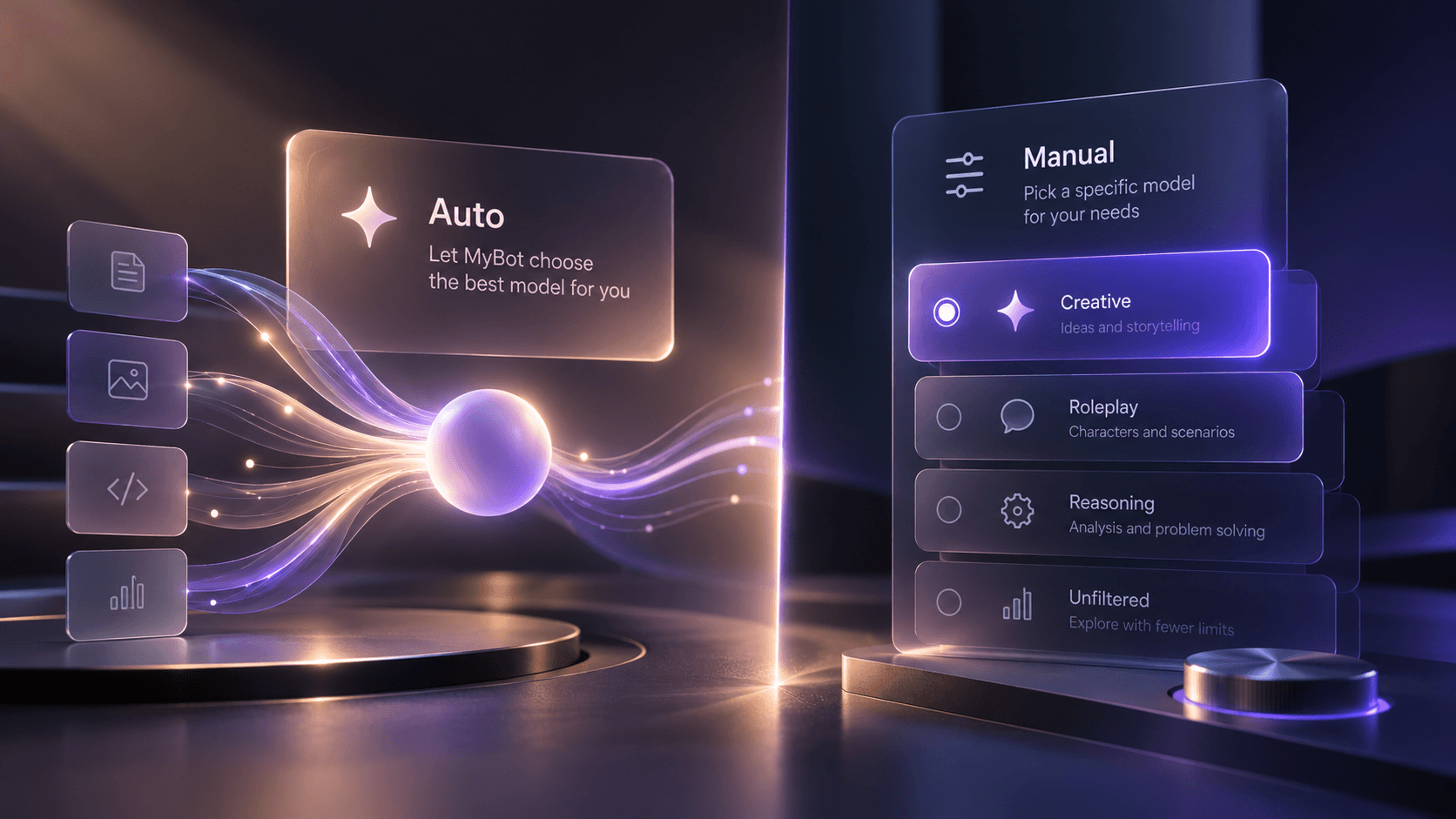
Choose Auto if you want simplicity
Auto is the best starting point for most people who do not already know which model they prefer. MyBot added Auto specifically so users would not have to keep track of a changing LLM landscape.
There are two documented Auto paths:
- Auto (General): for a general-purpose character experience.
- Auto (Uncensored): for users who want a model path with fewer content restrictions, subject to MyBot's platform rules.
Auto also makes sense when the character matters more to you than the technology behind it. If your goal is simply to create a witty roommate, fantasy storyteller, language-practice partner, or everyday companion, you can start with Auto and focus on the character's personality and instructions.
Choose manually if you like to tune the experience
Manual selection is useful when you already know you prefer a particular model or enjoy comparing how different models portray the same character.
A simple test is to keep the character definition unchanged and try a few representative conversations: casual chat, a scene that requires continuity, a creative prompt, and a request that depends on following several instructions. Pay attention to which model produces the kind of response you want rather than chasing a generic leaderboard.
Filtered vs uncensored models: what is the difference?
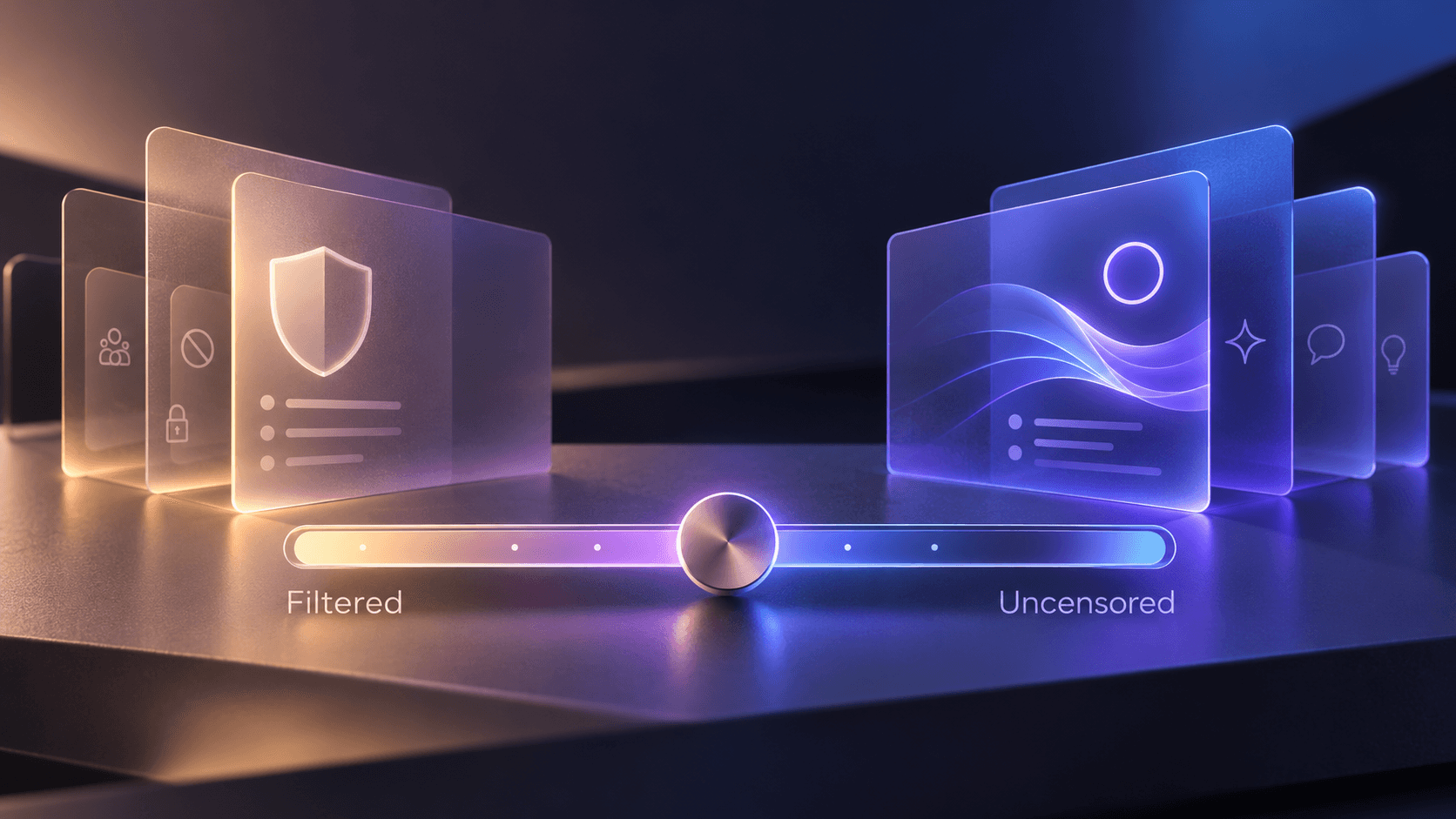
In companion AI, filtered and uncensored describe differences in content restrictions. A filtered model may decline or redirect more categories of requests. An uncensored model is intended to allow a wider range of conversations with fewer model-level refusals.
That does not mean “uncensored” means anything goes. MyBot's Terms of Use and moderation rules still apply regardless of which model you select. The platform prohibits illegal content and maintains platform-level safety controls.
This distinction is useful even outside explicitly adult conversations. Some users simply want fewer unexpected refusals during fiction, roleplay, humor, or emotionally intense storytelling. Others prefer stronger default boundaries. Neither choice is inherently better; it depends on the experience you want.
Censored, filtered, and uncensored are not quality scores
It is easy to treat “uncensored” as shorthand for a more capable model, but these are different dimensions.
A model can have fewer content restrictions and still be a poor fit for your preferred writing style. A more filtered model can be excellent at structured dialogue or instruction following. Likewise, a model that works well for a long-form storyteller may not be your favorite for quick everyday conversation.
Evaluate fit, not the label.
A practical way to choose a model for your AI companion
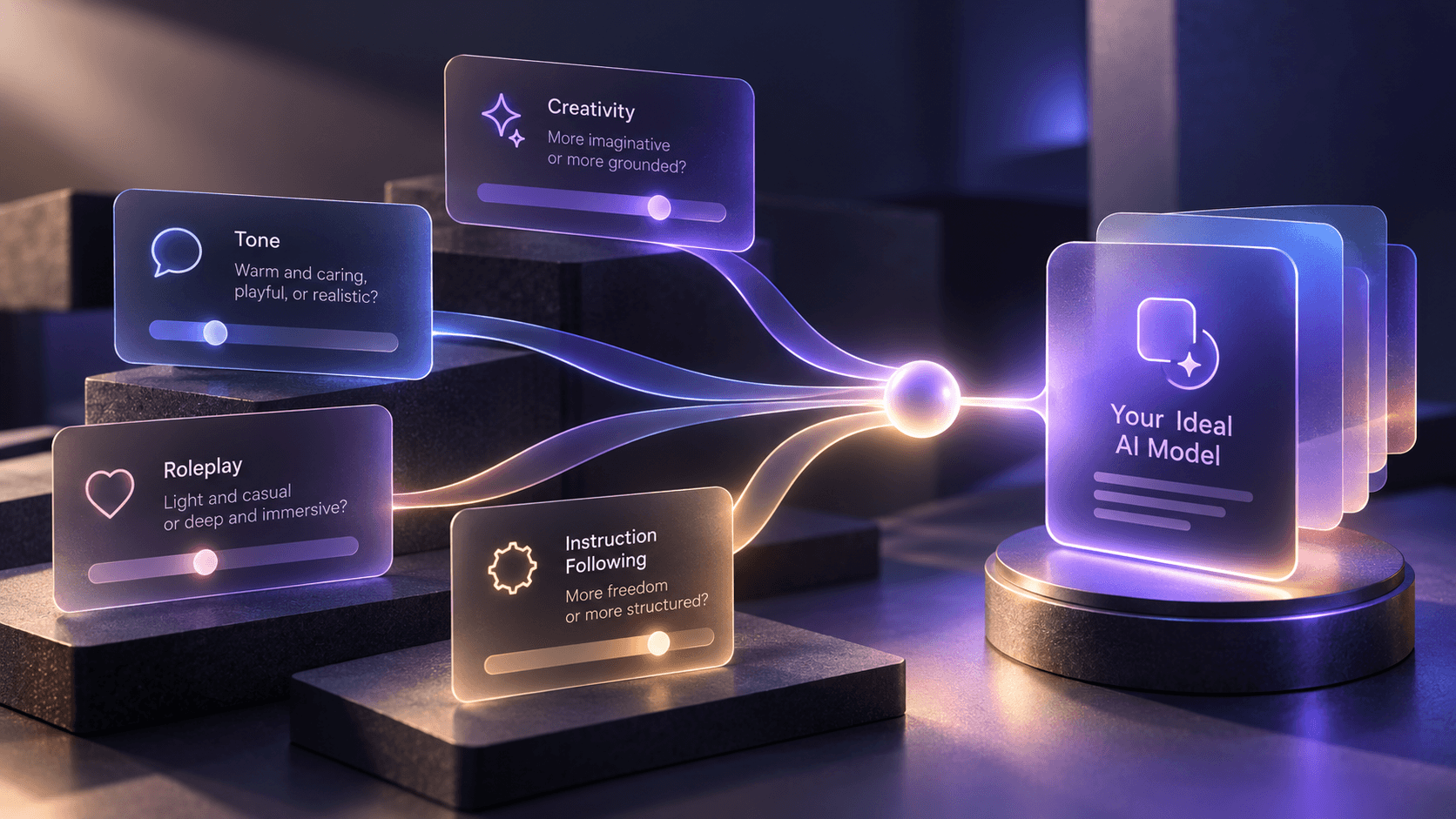
1. Decide what the character is for
Start with the experience. Is this character mainly a casual companion, storyteller, tutor, muse, mentor, or roleplay partner? A clear purpose gives you something concrete to evaluate.
2. Choose your content preference
If you want ordinary conversation with conventional boundaries, start with a general or filtered option. If avoiding model-level content refusals is important to the character, consider an uncensored option while staying within platform rules.
3. Start with Auto unless you have a reason not to
You can avoid unnecessary setup and get into the conversation first. If the responses already feel right, there may be no benefit in manually optimizing the model.
4. Compare with a separate Classic character
Because the selected model is not currently editable after character creation, testing another model means creating another Classic character. Keep the personality and instructions as similar as possible so you can better judge what changed. For a full walkthrough of Classic setup, see How to create an AI character on MyBot.
5. Test the conversations you actually care about
Do not judge a companion model from one clever response. Try several situations that resemble how you plan to use the character. For a storyteller, test dialogue, scene continuity, and tone. For a casual companion, test ordinary back-and-forth and whether the voice feels consistent.
6. Tune the character around the model
Model choice is only one control. MyBot also lets you adjust personality traits, conversation style, content preferences, vulgarity, chat length, voice, and system instructions. A model that initially feels too verbose, for example, may work better after you explicitly tell the character to keep replies short.
Why MyBot gives you model choice
Many people do not care which LLM is behind a character. Others care a lot. MyBot is designed to support both approaches.
If you want simplicity, you can use Auto. If you want control, you can select the model yourself and tune other layers of the character around it. We offer model choice as part of a broader set of character controls rather than as a promise that any one model is universally superior.
That flexibility applies when you create a Classic character, but the choice is currently fixed for that character after creation. To use a different model, create another Classic character with the model you want.
What the model list tells you — and what it doesn't
MyBot's model lineup changes as we add options. Current examples include DeepSeek Fast, Qwen Creative, Mythomax Uncensored, and Llama Balanced. Our October 2025 changelog documented a different set of newly added choices, including GPT-5, Kimi K2, Qwen 3, and Mistral Medium.
The important takeaway is the ability to choose, not a frozen roster. Check the model picker when you create a Classic character for the choices currently available to your account. Natural Voice does not currently expose a model picker, and an existing Classic character's selected model is not currently editable.
Also, model names alone do not establish which option will have the best memory, factual accuracy, creativity, or speed. Our characters should not be relied on as a source of factual information; verify important information with reliable sources.
The best model is the one that fits the character
There is no single AI model that is automatically best for every companion. Start with the character you want, decide how much content filtering you prefer, and use Auto if you do not want to think about the underlying LLM. If you enjoy tuning, compare models using the same character and the kinds of conversations you actually have.
For Classic characters, MyBot gives you both paths: let Auto handle the model choice or use the model picker during creation. Natural Voice follows a separate voice-first flow without a model selector.
Open New Character and create a Classic character with the model and controls that fit your conversation.
FAQ
What is the best AI model for an AI companion?
There is no universal best model. The right choice depends on the character, writing style, content boundaries, and type of conversation you want. If you are unsure, Auto is a practical starting point.
What is Auto model selection on MyBot?
Auto lets MyBot choose the model rather than requiring you to select one manually. We offer Auto (General) and Auto (Uncensored) options.
What is an uncensored AI model?
An uncensored model is designed to allow a wider range of conversations with fewer model-level content restrictions. Platform rules still apply, so “uncensored” does not mean prohibited or illegal content is allowed.
Can I choose the AI model for a MyBot character?
Yes, when creating a Classic character. You can use Auto or select from the models currently available in the Classic creation flow. Natural Voice does not currently expose a model selector.
Can I change a MyBot character's model after creating it?
Not currently. The model is selected during Classic character creation and is not editable afterward. To try another model, create another Classic character.
Does choosing a different model change a character's memory?
Model choice and companion memory are not the same thing. Deep Memory is our memory system, while the selected language model generates responses. Do not assume a model name by itself determines how well a companion remembers across sessions.
Are MyBot's available models always the same?
No permanent roster is promised. We have added models over time, and the current model examples and older changelogs show different options. Check the live model picker for the options currently available to you.