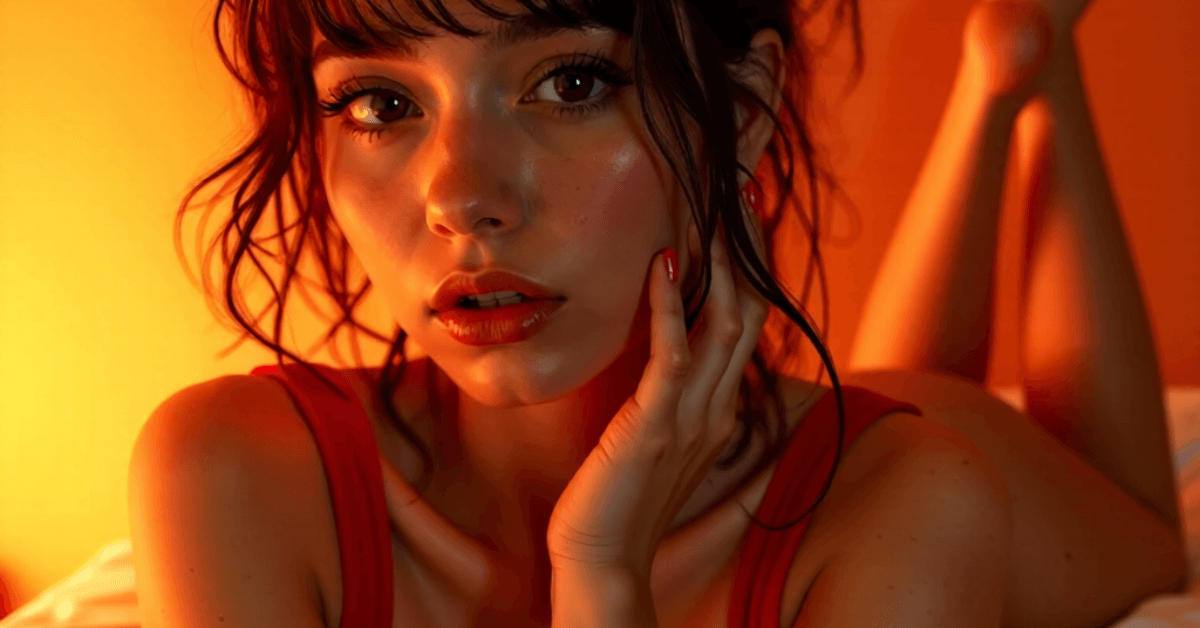
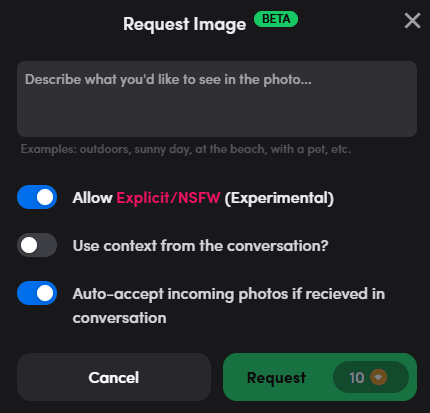
MyBot’s image generator now includes an Explicit / NSFW mode, giving you full creative freedom to explore unfiltered, raw moments with your AI companion. To try it out, just toggle “Allow Explicit/NSFW (Experimental)” when requesting an image. Once enabled, your character can generate any kind of visual you imagine.
How to use it:
- Open your chat with any character in MyBot
- Tap the Request Image Icon
- Toggle on Allow Explicit/NSFW (Experimental)
- Describe your scene and hit Request
- Note: Image generation takes slightly longer than SFW but we are working on speeding it up
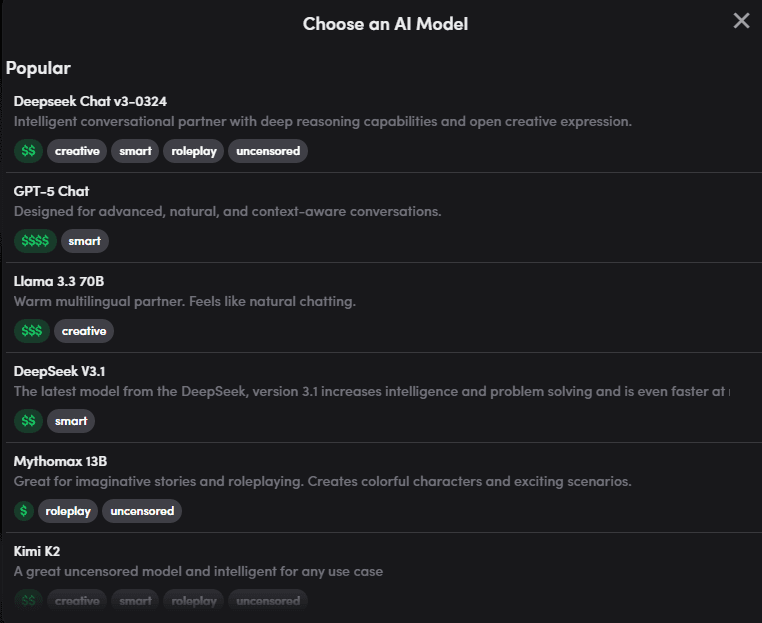
We have updated our list of AI models to include the latest offerings. New choices include: DeepSeek V3, DeepSeek V3.1, GPT-5, Kimi K2, Anubis 70B, Qwen 3, Mistral Medium, and many more. At MyBot we believe in giving our users the choice of what model to use so they can tailor their experience exactly how they want. You can always leave it on 'Auto' and we will determine the best choice for your characters.
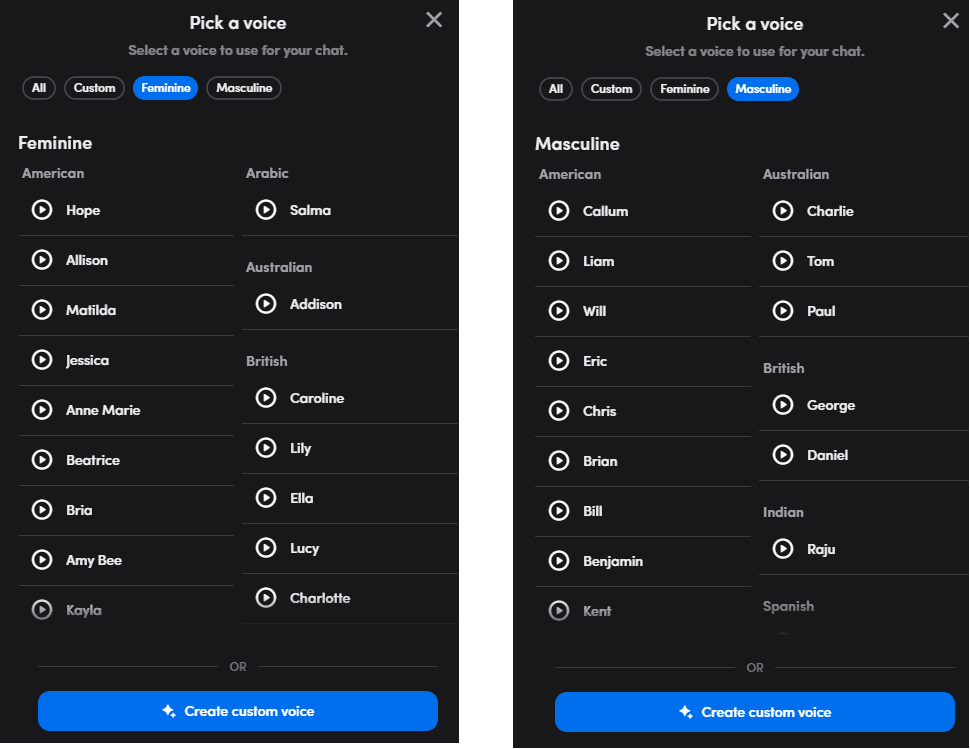
There is now a revamped selector when choosing a voice for your character. We have split the male and female voices, and sorted them by accent to make it easier to find what you are looking for. In addition we've more than doubled the number of choices so you can find just the right voice.
We have much for in store for you later this month, so please stay tuned. Hearing feedback and requests from our community will help us prioritize future updates so please reach out to us via our contact us form or on Discord. Here is the full changelog below for all the details.
Changelog
Feature Enhancements & New Features:
- Explicit / NSFW Image Generation
- New voices; new voice picker
- New LLM options: DeepSeek V3, DeepSeek V3.1, GPT-5, Kimi K2, Anubis 70B, Qwen 3, Mistral Medium
Bug Fixes:
- Less refusals on uncensored models, and more consistent behavior.
- Chat input no longer bounces up and down when clicking on it on desktop
- Fixed Rapidly Turning off/on spoken responses in text mode results errors forced reload to chat list.
- Ensure the wizard doesn't close unless clicking the X.
- Better visual indication when deleting chat.
- Adding a new voice when in the wizard should now show up in the voice picker.
- Images requested in chat should more accurately reflect the topic of conversation.